Event reminders, hours or days ahead.
Aheado is an event reminder app for iPhone. Flights, appointments, concerts and birthdays: pick when to hear about each one, from a week before to the moment it starts.
Free to start. No account needed.
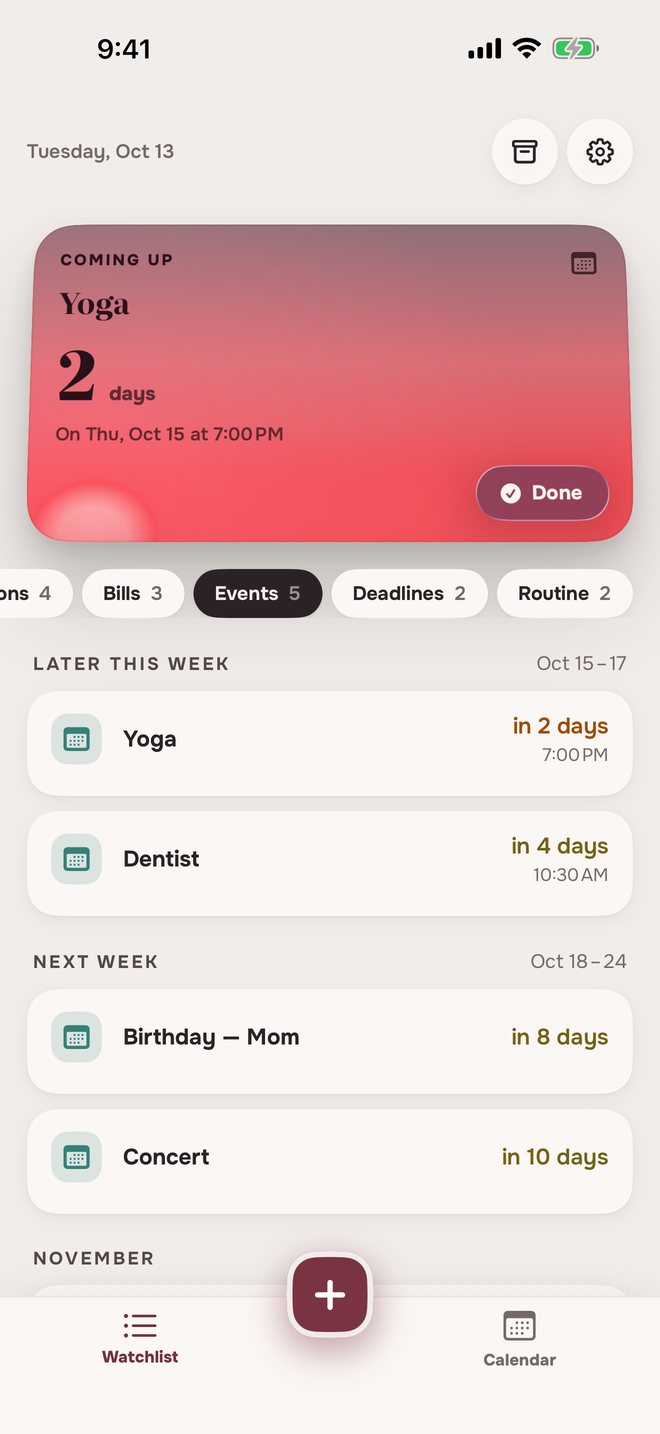
Not another calendar.
It doesn’t read your calendar
Add only the events that matter. Nothing to connect, no account.
It doesn’t add to it either
Your calendar stays as it is. Aheado keeps its own list and calendar.
How to set an event reminderDate, time, done.
One-time or repeating
A flight, an appointment, a concert. It happens once, then moves to Archive.
Name, date and time
Leave the time empty for an all-day event. A repeating event gets its schedule instead of a date.
How early to hear about it
A week, a day, or hours before, plus a reminder at the time it starts.
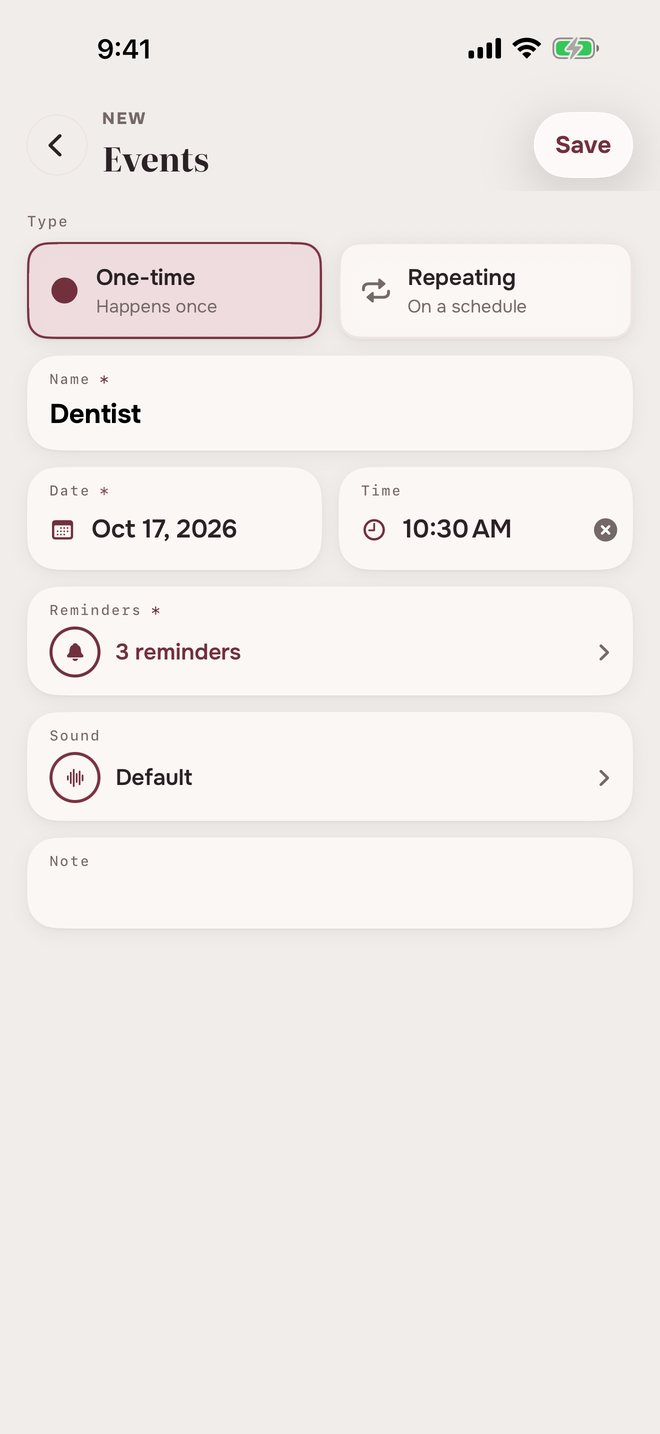
Event reminders before it startsHours ahead, or days.
DentistSat, Oct 17 at 10:30 AM
 Dentist9:00 AM
Starts in 1 day
- Dentist8:30 AM
Starts in 2 hours
- Dentist10:30 AM
Starts now
ConcertFri, Oct 23, all day
- Concert9:00 AM
In 1 week
- Concert9:00 AM
In 1 day
- Concert9:00 AM
Today
Reminders set in days arrive at 9:00 AM. You can change the time in Settings.
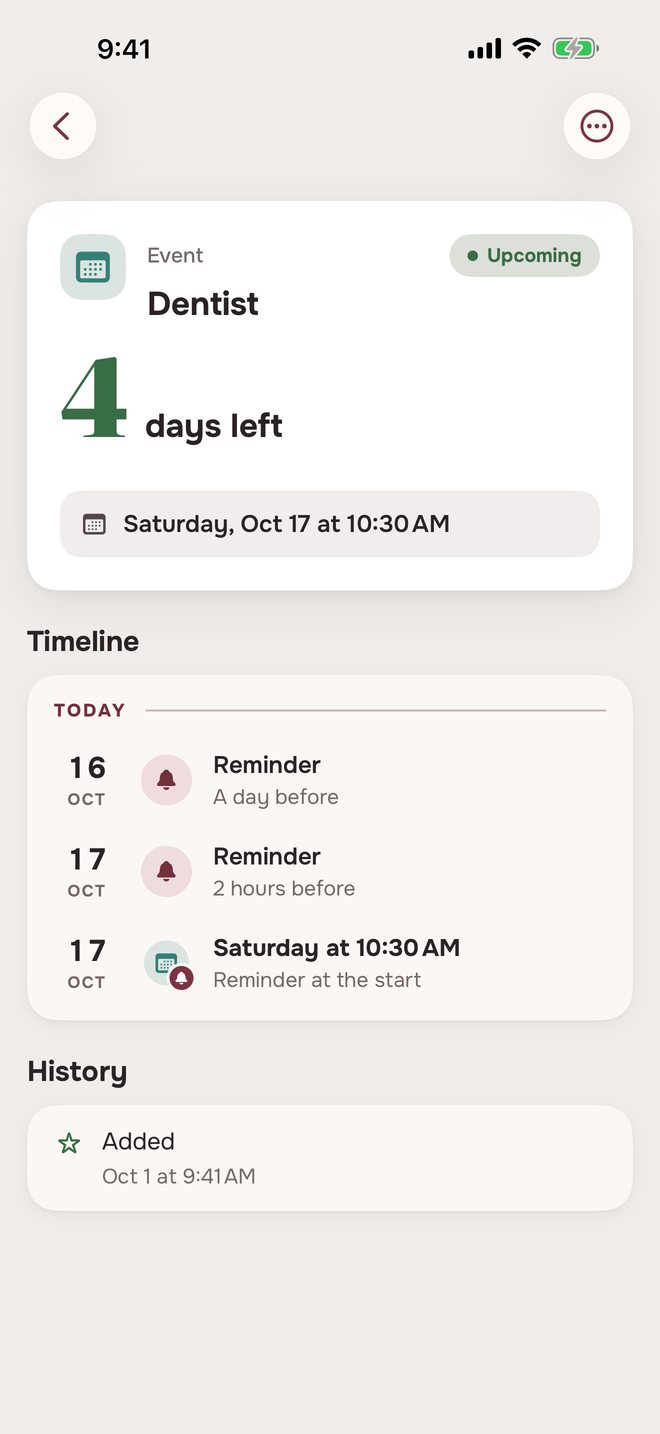
Birthday reminders from ContactsEvery birthday, every year.
Import birthdays from Contacts in one go. Each one repeats every year, with a reminder 3 days before and another on the day.
- Pick who to add. Each contact shows the date, and Select all takes everyone.
- Never twice. People you already added are marked Added and skipped.
In 3 days
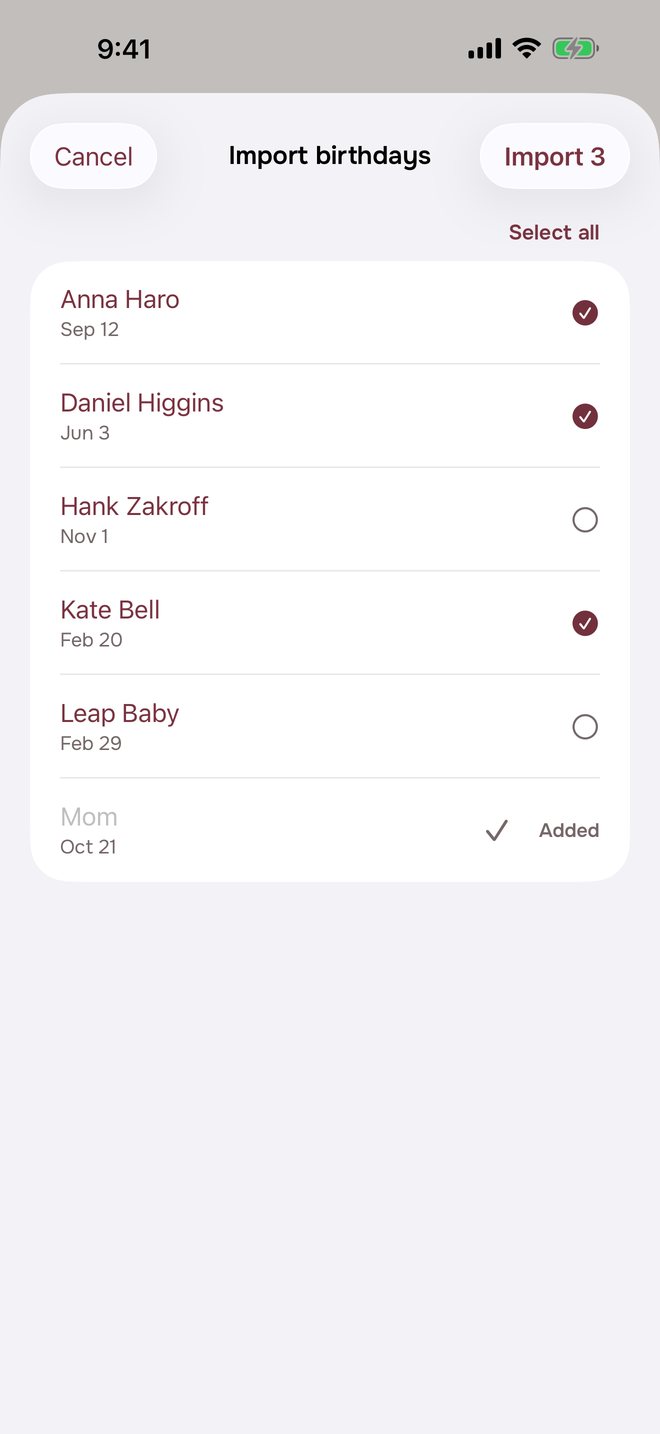
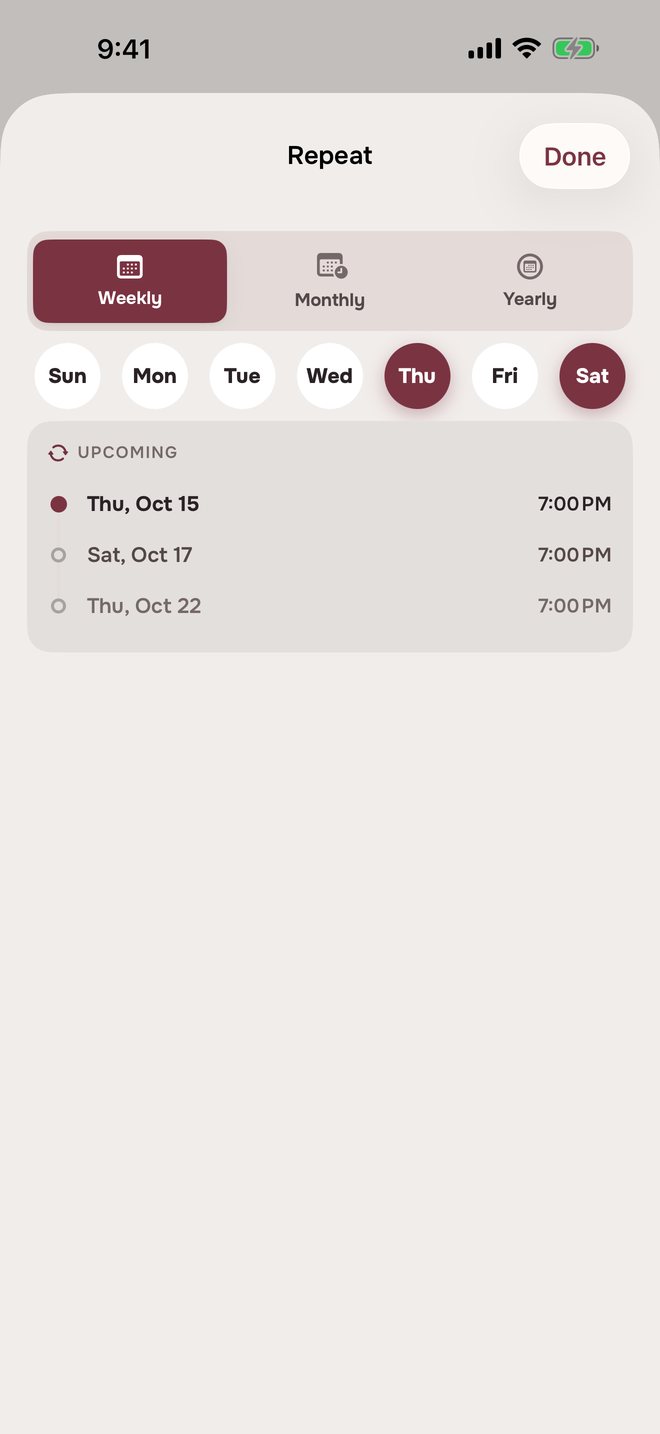
Repeating event remindersEvery week, month or year.
Pick the days once. Aheado always has the next date ready.
Event reminders in three placesAlways in view.
The same events, in three places.
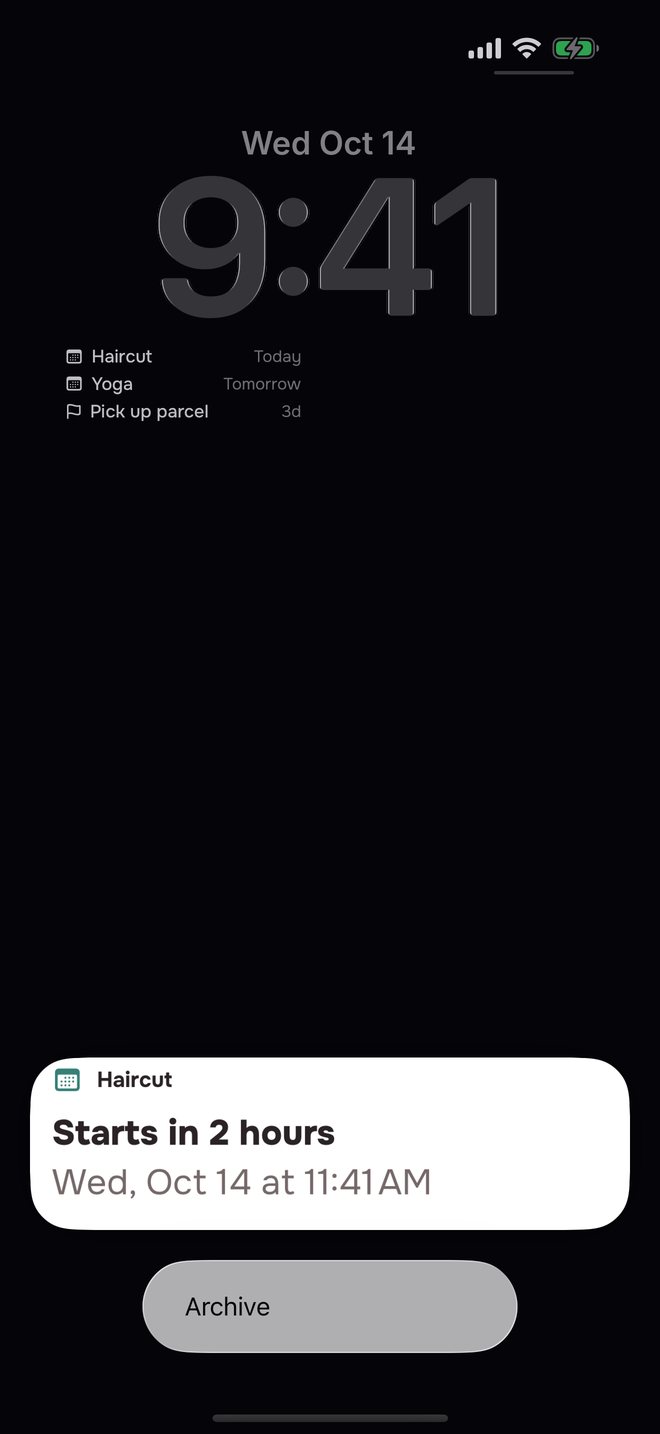
On the Lock Screen
Every reminder says what starts and when.
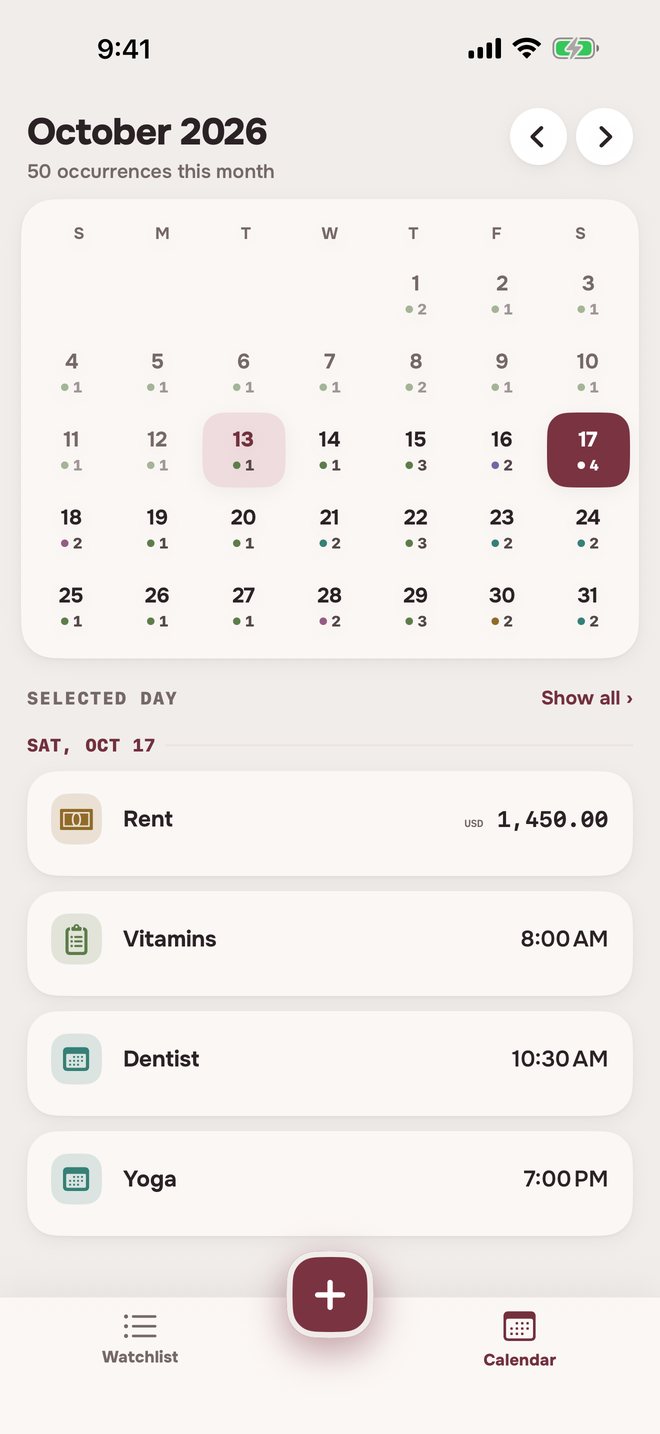
On the calendar
Each event on its day, with its time.
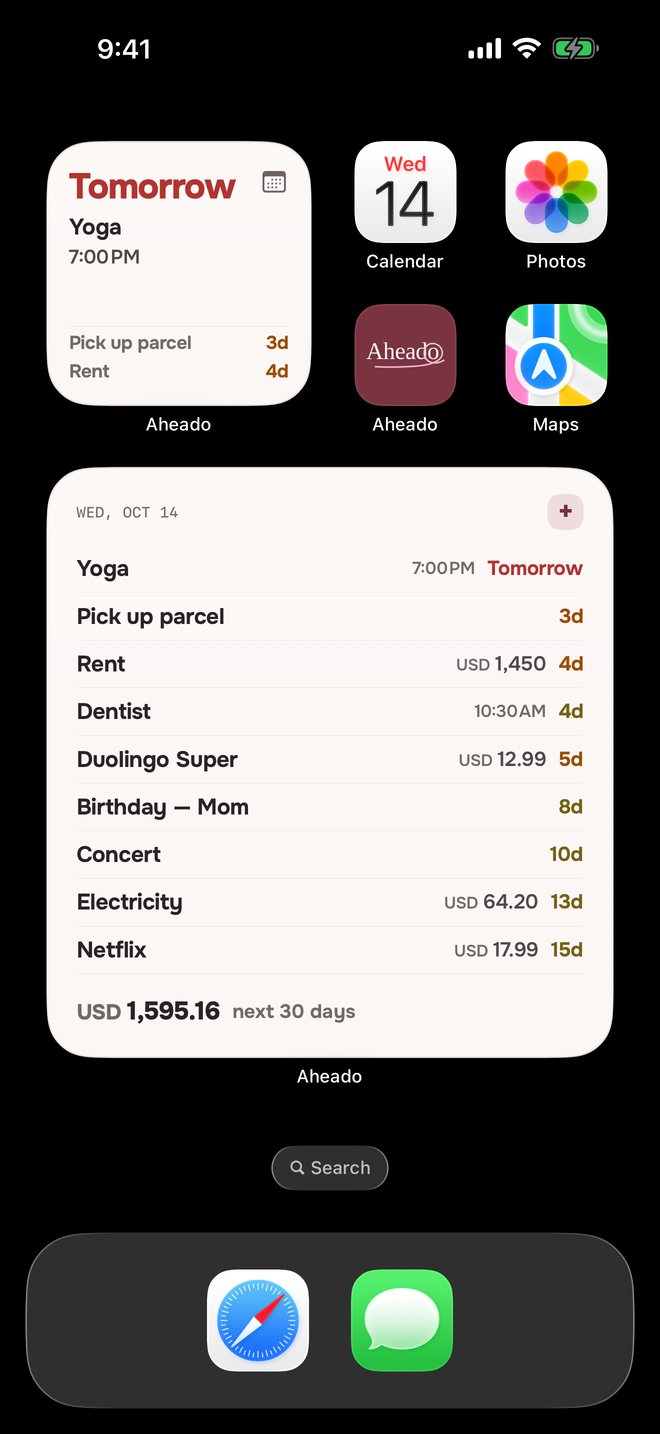
On the Home Screen
What’s next, with the time it starts. The large widget comes with Aheado+.Aheado+
Looking for an event reminder app?
What app reminds me before an event?
Aheado is an iPhone app that reminds you before flights, appointments, concerts and birthdays. For each event you pick when to hear about it: a week, three days or a day before, six or two hours before, at the time it starts, or your own.
How do I get a reminder 2 hours before an appointment?
Add the appointment with its date and time, open Reminders and tap 2h. You can keep At the time and add a reminder the day before as well.
Can I import birthdays from Contacts?
Yes. In Settings, choose Import birthdays from Contacts and pick the people. Each birthday repeats every year, with a reminder 3 days before and another on the day. People you already added are skipped, so nothing is imported twice.
Does Aheado read my calendar?
No. Aheado doesn’t read or change Apple Calendar. You add the events that matter, and Aheado shows them in its own list and calendar.
Can I set a repeating event?
Yes. Choose Repeating, then Weekly for any days of the week, Monthly by date or by position such as the first Friday, or Yearly on one or more dates. Repeat until ends the series, or leave it at Never.
When do reminders for an all-day event arrive?
Reminders set in days, and the one on the day itself, arrive at your reminder time: 9:00 AM unless you change it in Settings. Reminders set in hours or minutes arrive exactly that long before an event with a time.
What happens after an event?
A one-time event moves to Archive on its own once it’s over. A repeating event moves on to its next date, and you can tap Done to mark one off.
Is Aheado free?
Aheado is free for up to 10 entries across all six categories. Aheado+ removes the limit: $1.99 a month, $14.99 a year with the first month free, or $34.99 once.
More questions, and how it works in detailShow fewer
Can I get a reminder at the moment an event starts?
Yes. At the time is on from the start for an event with a time, and On the day for an all-day event. Turn it off in Reminders if you don’t need it.
Do imported birthdays change when I edit a contact?
No. The import is a one-time copy. If a birthday changes in Contacts, edit the event in Aheado.
Does it work without an account?
Yes. Aheado has no sign-up, email or password. Reminders are scheduled on the iPhone itself, so they arrive even without a connection.
Does it sync across my iPhone and iPad?
Yes, with Aheado+. Your events sync through your own iCloud, so an event added or changed on one device shows up on the other. Without Aheado+, everything stays on the device you use.
Does Aheado work on Android?
No. Aheado is made for iPhone.
How event reminders work in Aheado
Custom reminders
+ Custom lets you pick any number from 1 to 90 in days, weeks or months, and in minutes or hours when the event has a time.
Archive, restore and delete
Archive keeps an event and its history out of the way, and you can restore it. Delete removes it for good.
Forewarned is ahead.
Put your events in once. Aheado watches the dates and times for you.
Download on theApp StoreFree for up to 10 entries. Aheado+ from $1.99 a month.