Deadline reminders, days or hours ahead.
Aheado is a deadline reminder app for iPhone. Tax returns, visa applications, project hand-ins: set the date, pick when to hear about it, and tap Complete when it’s done.
Free to start. No account needed.
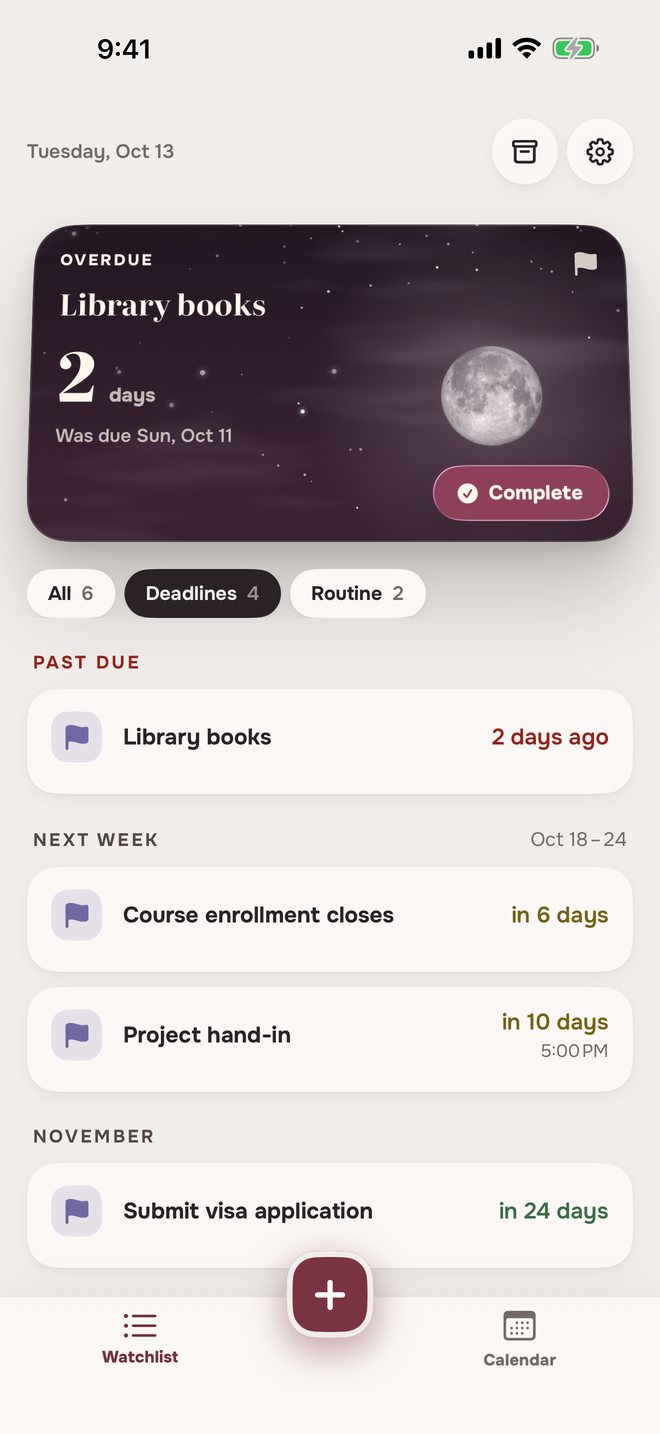
How to set a deadline reminderDate, reminders, done.
Name and date
The date can be today or any day ahead.
A time, if it has one
Leave it empty and it’s due by the end of the day. Set one, and reminders can come hours before.
How early to hear about it
A week, three days or a day before, hours before, and at the due time. Each one shows its date and time.
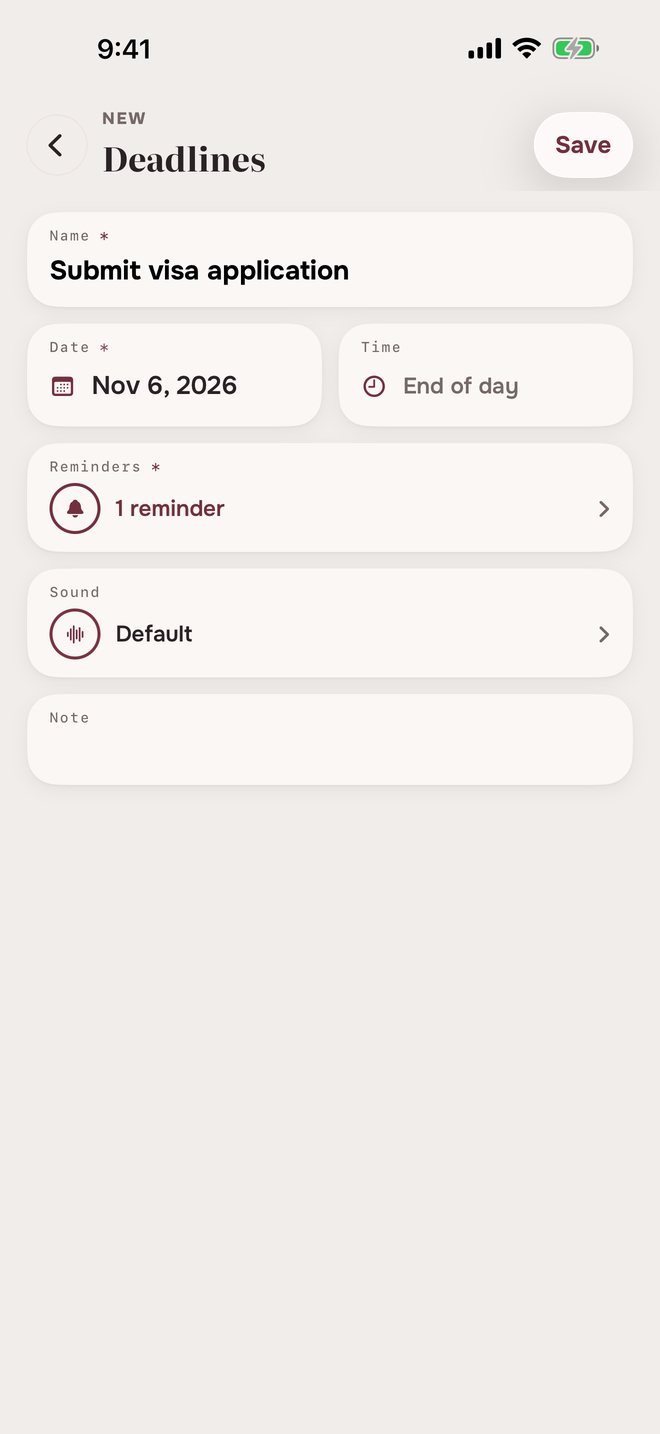
Reminders before a deadlineAhead of it, then on the day.
Submit visa applicationFri, Nov 6
 Submit visa application9:00 AM
Due in 1 week
- Submit visa application9:00 AM
Due in 3 days
- Submit visa application9:00 AM
Due tomorrow
- Submit visa application9:00 AM
Today’s the deadline
Project hand-inFri, Oct 23 at 5:00 PM
- Project hand-in9:00 AM
Due in 3 days
- Project hand-in9:00 AM
Due tomorrow
- Project hand-in3:00 PM
Due in 2 hours
- Project hand-in5:00 PM
Due now
Tap Complete at any point and the reminders stop.
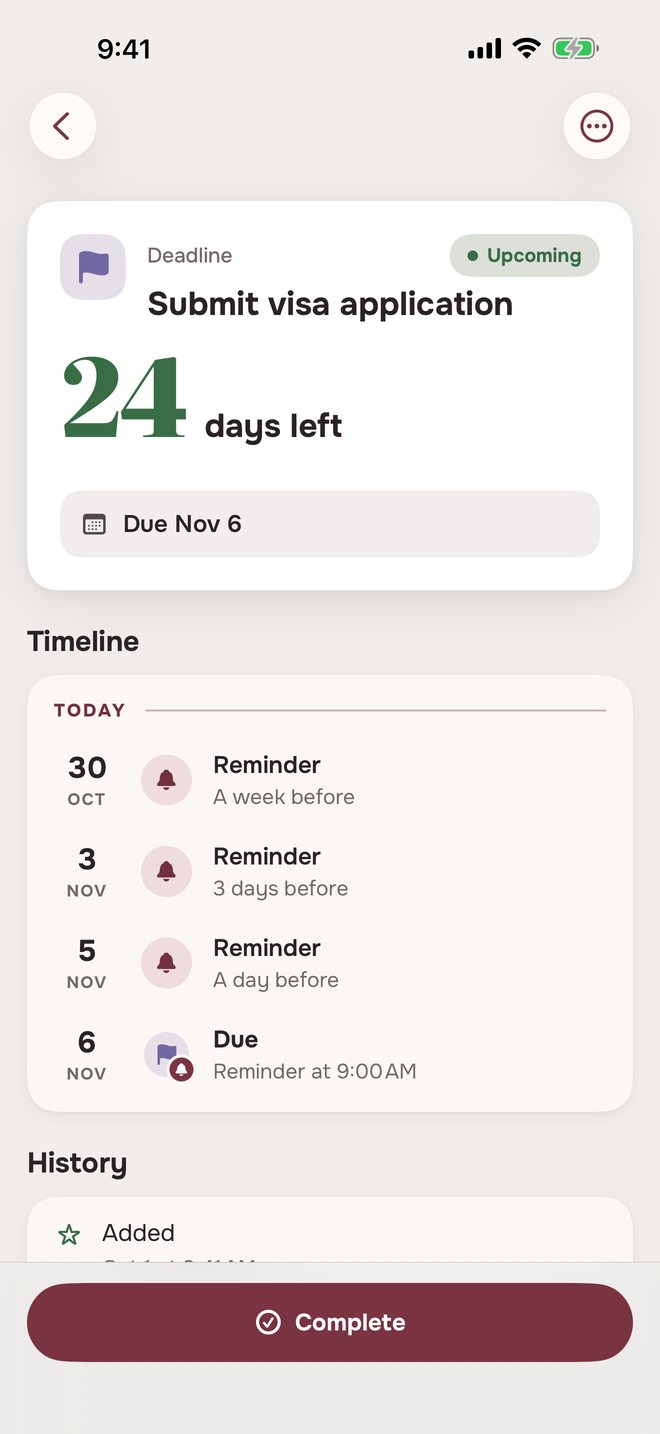
Missed deadline remindersMissed it? One nudge, then Archive.
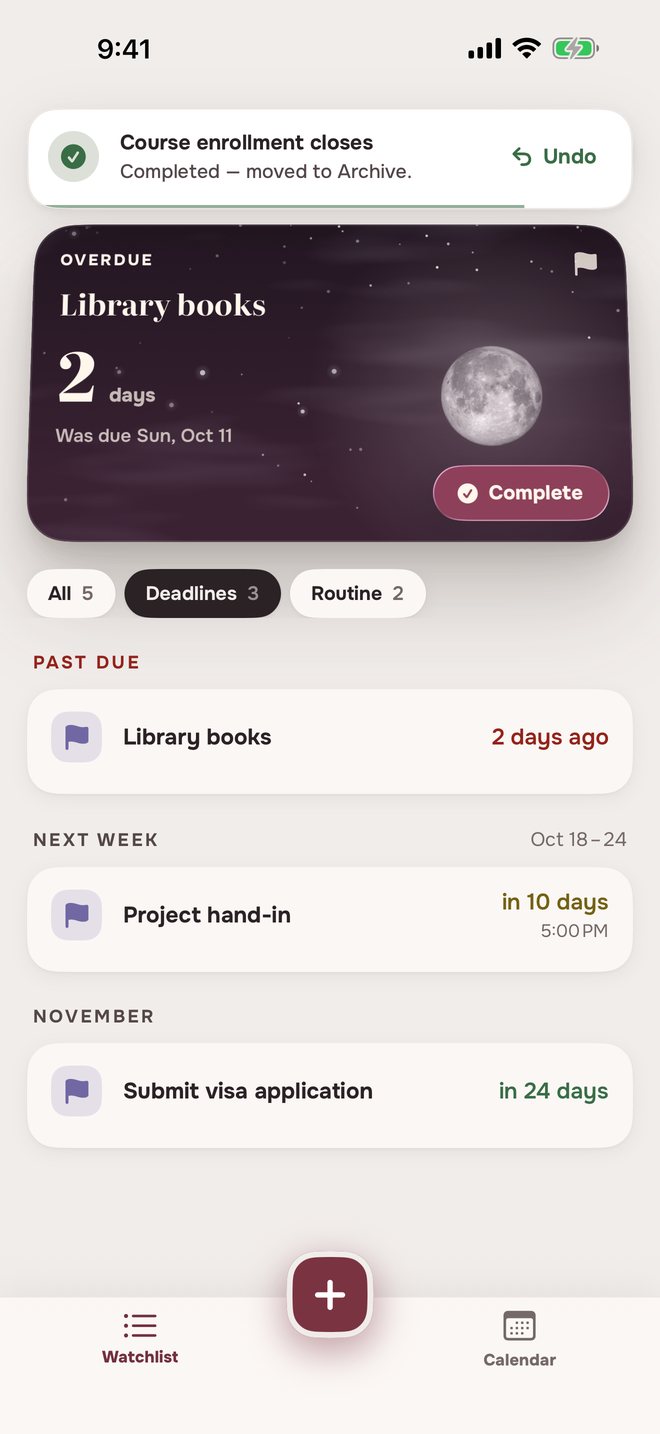
The day after the deadline you get one Overdue reminder. If it stays open, it moves to Archive three days later.
Library booksSun, Oct 11
- Library books9:00 AM
Today’s the deadline
- Library books9:00 AM
Overdue
- Library books9:00 AM
Deadline passed — moved to Archive
Done late? Tap Complete before then and it’s marked Completed.
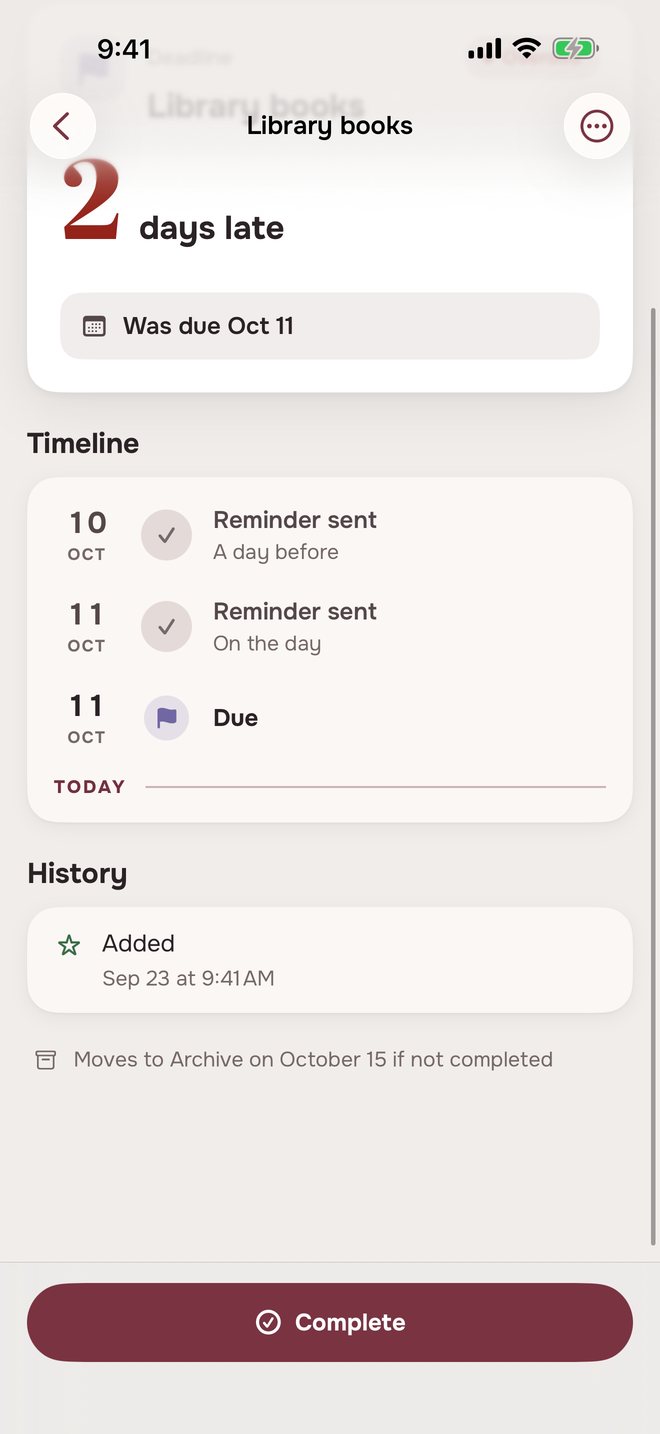
Completing a deadlineDone early? Complete it.
One tap, and the reminders stop.
Deadline reminders in three placesAlways in view.
The same deadlines, in three places.
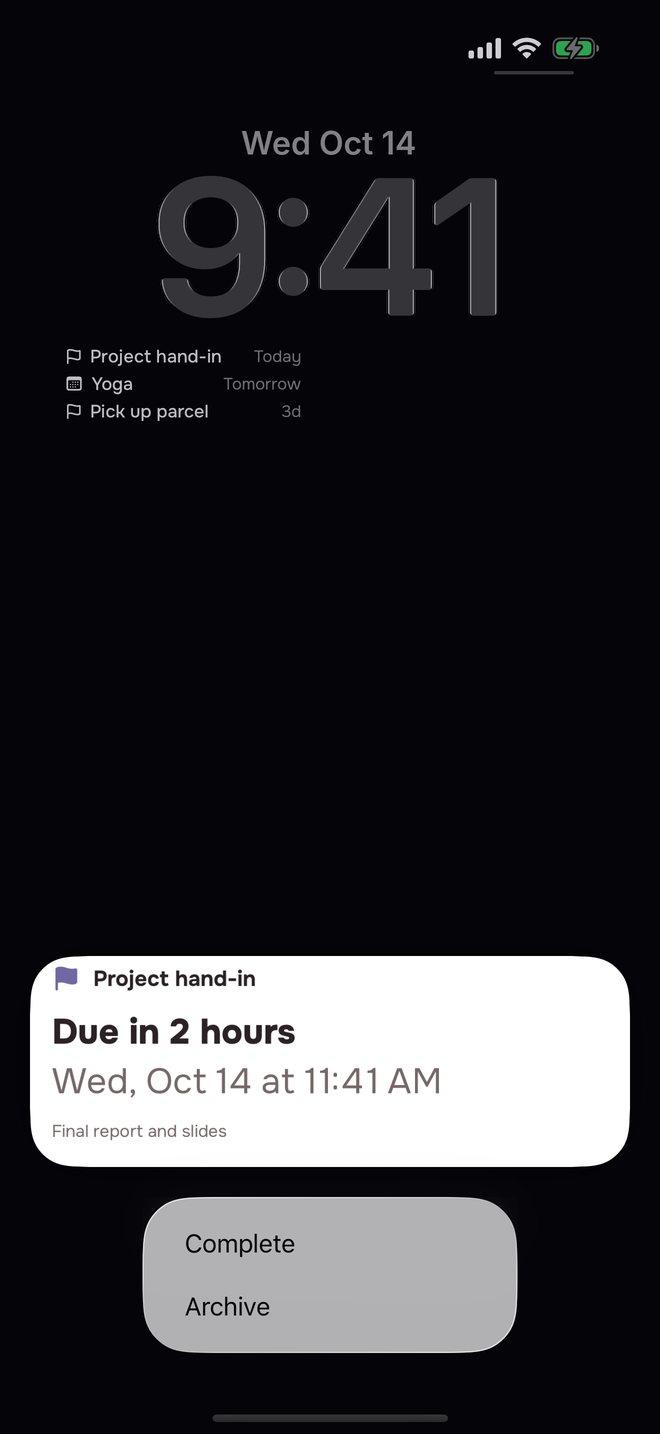
On the Lock Screen
Press and hold a reminder to complete it.
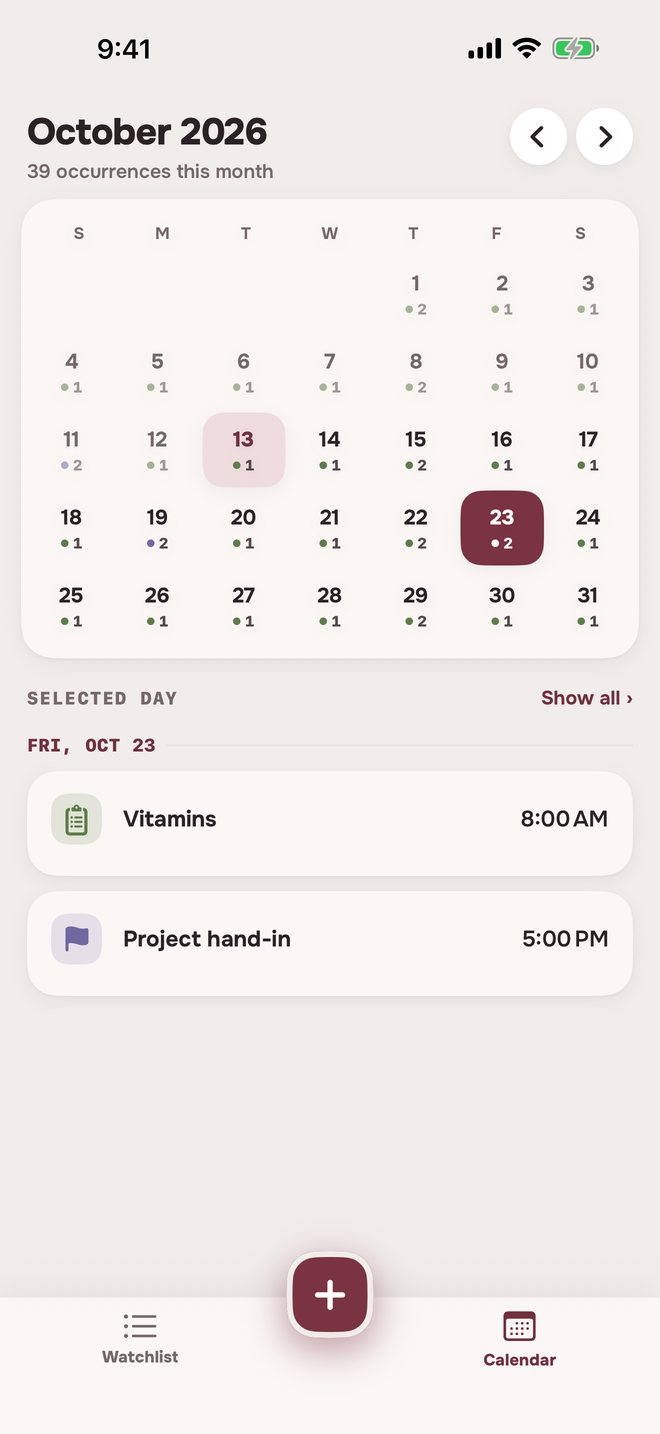
On the calendar
Each deadline on its day, with its time.
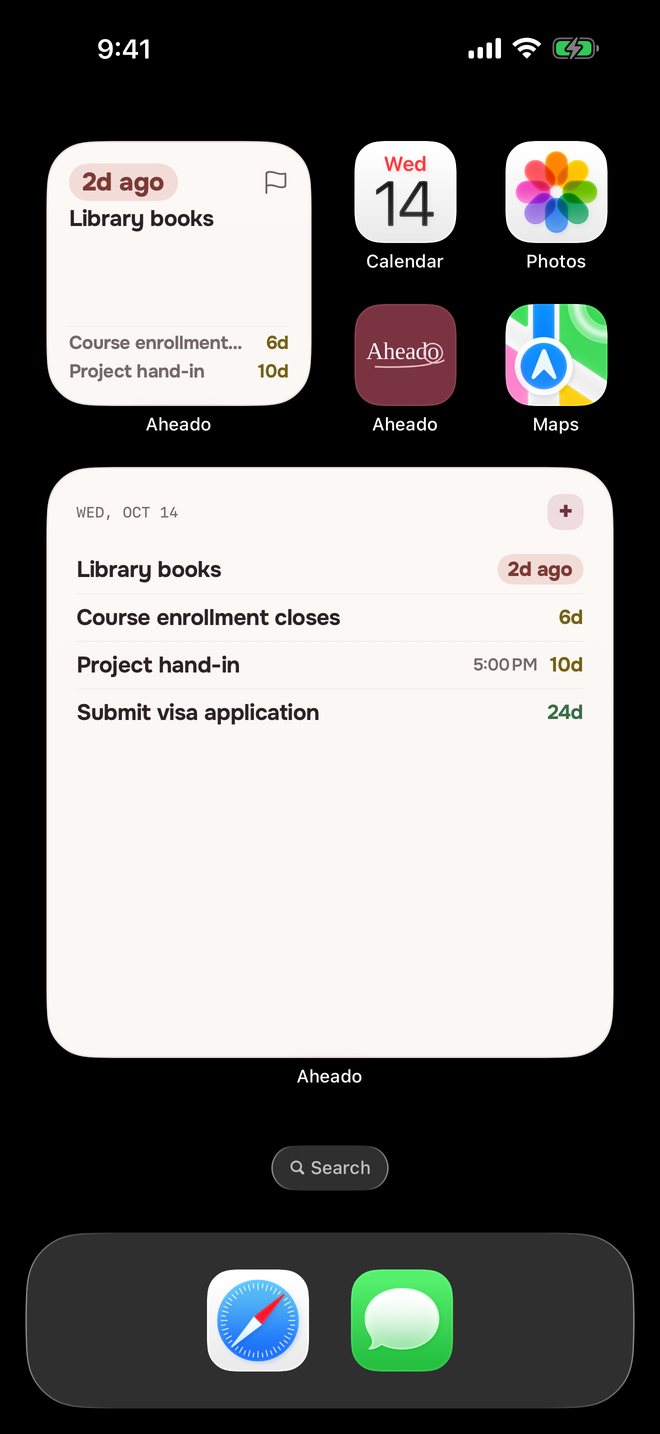
On the Home Screen
Overdue first, then what’s due next. The large widget comes with Aheado+.Aheado+
Looking for a deadline reminder app?
What app reminds me before a deadline?
Aheado is an iPhone app that reminds you before tax returns, applications, hand-ins and other deadlines. For each one you pick when to hear about it: a week, three days or a day before, six or two hours before when it has a time, on the day, or your own.
How do I get a reminder 2 hours before a deadline?
Add the deadline with its date and a time, open Reminders and tap 2h. By the due time is on from the start, and you can add a reminder a day before as well.
What happens if I miss a deadline?
The day after, you get one Overdue reminder, and the deadline stays in Past due on the Watchlist. Three days later, if it’s still open, it moves to Archive. Tap Complete before then to mark it Completed.
Can I complete a deadline from the notification?
Yes. Press and hold a reminder and tap Complete. The reminders for that deadline stop, and the ones already delivered are cleared.
Can a deadline repeat?
No. A deadline has one date. For something that comes back, use a repeating event, a recurring bill or a routine.
When do reminders arrive for a deadline without a time?
Reminders set in days, and the one on the due date, arrive at your reminder time: 9:00 AM unless you change it in Settings. The deadline itself counts until the end of that day.
Is Aheado free?
Aheado is free for up to 10 entries across all six categories. Aheado+ removes the limit: $1.99 a month, $14.99 a year with the first month free, or $34.99 once.
More questions, and how it works in detailShow fewer
What does Complete do?
It marks the deadline Completed, stops its reminders and moves it to Archive. A banner offers Undo for a few seconds.
Can I add a deadline that has already passed?
No. The date can be today or any day ahead.
Can I see my deadlines on the Home Screen?
Yes. The small and medium widgets and the Lock Screen widget are free and show what’s overdue and what’s due next. The large widget comes with Aheado+.
Does it work without an account?
Yes. Aheado has no sign-up, email or password. Reminders are scheduled on the iPhone itself, so they arrive even without a connection.
Does it sync across my iPhone and iPad?
Yes, with Aheado+. Your deadlines sync through your own iCloud, so one added or completed on one device shows up on the other. Without Aheado+, everything stays on the device you use.
Does Aheado work on Android?
No. Aheado is made for iPhone.
How deadline reminders work in Aheado
Custom reminders
+ Custom lets you pick any number from 1 to 90 in days, weeks or months, and in minutes or hours when the deadline has a time. The reminder keeps the unit you chose, like “Due in 1 month”.
Archive, restore and delete
Archive keeps a deadline and its history out of the way, and you can restore it. Delete removes it for good, with all its scheduled reminders.
Everything else Aheado tracks.
Forewarned is ahead.
Put your deadlines in once. Aheado watches the dates for you.
Download on theApp StoreFree for up to 10 entries. Aheado+ from $1.99 a month.